
How to Download SSC CHSL Admit Card 2026 (Easy Steps)

You can download the SSC CHSL admit card 2026 from the official website, ssc.gov.in, by logging in with your registration number and password.
The SSC CHSL 2026 Tier 1 exam is set to start from 30 November 2026, as per the latest schedule. So the admit card should come out a few days before your exam date.
In this post, I will show you the exact steps. I will also tell you what to check and what to carry on exam day.
When Will SSC CHSL Admit Card 2026 Come Out?
SSC usually releases two things before the exam:
- Exam city slip – tells you the city of your exam. It usually comes about 7 to 10 days before the exam.
- Admit card – your actual hall ticket. It usually comes 3 to 4 days before your exam date.
Everyone does not get the admit card on the same day. It depends on your exam date and shift.
Keep checking the website from the third week of November.
Step-by-Step: How to Download SSC CHSL Admit Card 2026
Follow these simple steps:
- Open the official website ssc.gov.in.
- Click on Login at the top of the page.
- Enter your registration number and password.
- Type the captcha code and click Login.
- On your dashboard, find the Admit Card section.
- Click on CHSL 2026 Tier 1 admit card.
- Your admit card will open on the screen.
- Click Download and save it as a PDF.
- Take two printouts. Keep one extra just in case.
You can also download it from the official mySSC mobile app using the same login details.
Tip: Do not wait for the last day. The website gets very slow when lakhs of students try at the same time.
Details to Check on Your Admit Card
Once you download it, check every detail carefully:
- Your name (spelling)
- Roll number
- Photo and signature
- Date of birth
- Category
- Exam date and shift timing
- Reporting time
- Exam centre name and full address
- Exam instructions
Found a mistake? Contact the SSC helpline or your regional office right away. Do not wait till exam day.
Forgot Your Password? Do This
Many students forget their password. Don’t worry. It is easy to reset.
- Go to ssc.gov.in and click Login.
- Click Forgot Password.
- Enter your registered mobile number or email ID.
- You will get an OTP.
- Enter the OTP and set a new password.
Forgot your registration number too? Use the same “forgot” option. SSC will send it to your registered mobile or email.
Documents to Carry on Exam Day
You must carry these things:
- Printed admit card (colour print is better)
- One original photo ID – Aadhaar card, voter ID, PAN card, passport or driving licence
- Two passport-size photos (same as in your form)
- Date of birth proof, if your photo ID does not show it
If your name has changed, carry the proof like a gazette notice or marriage certificate.
Things Not Allowed in the Exam Hall
Leave these at home or outside:
- Mobile phone
- Smart watch or any watch
- Calculator
- Bluetooth device or earphones
- Books, notes or papers
- Bag or purse
Carrying any of these can lead to cancellation of your exam.
Exam Day Tips
- Reach the centre at least 1 hour before reporting time
- Visit your exam centre one day before if it is far
- Sleep well the night before
- Wear simple clothes and avoid heavy jewellery
- Read the instructions on the admit card twice
FAQs on SSC CHSL Admit Card 2026
No. You have to download it online from ssc.gov.in or the mySSC app.
No. Without a printed admit card, you will not be allowed inside.
No. The city slip only shows your exam city. The admit card is the main document you need on exam day.
No. Centre change is not allowed after the admit card is released.
Carry two extra passport-size photos and your original photo ID. Also inform the SSC regional office before the exam.
Final Words
Downloading the SSC CHSL admit card is simple. Just keep your registration number and password ready.
Download it early, check all details, and keep two printouts safe.
All the best for your exam!
Related courses

Related articles
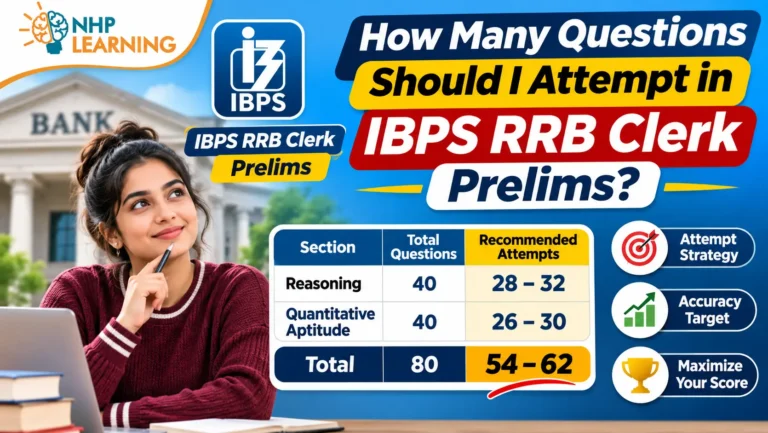
How Many Questions Should I Attempt in IBPS RRB Clerk Prelims?
You should aim to attempt 68 to 72 questions out of 80 in IBPS RRB Clerk prelims, with at least…
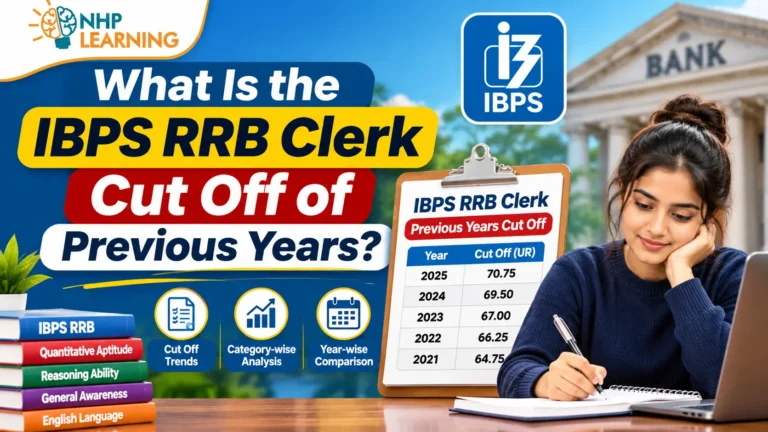
What Is the IBPS RRB Clerk Cut Off of Previous Years?
The IBPS RRB Clerk prelims cut off for General category was between about 58 and 78 marks out of 80…
How to Crack IBPS RRB PO Prelims in 20 Days
Yes, you can crack IBPS RRB PO prelims in 20 days if you already know the basics and spend 6…